
Most small business owners know they need a website. What trips them up is the process of actually getting one built. The website design process steps explained in this guide will walk you through every stage, from the first planning conversation to post-launch optimization, so you know exactly what to expect and why each phase matters. Whether you're working with a designer or trying to understand web design on your own, knowing the full web design workflow puts you in control of the outcome.
Table of Contents
- Key takeaways
- 1. Defining project goals and the discovery phase
- 2. Designing information architecture and sitemap structure
- 3. UX/UI design stage including wireframing and prototyping
- 4. Development phase and quality assurance
- 5. Launch and post-launch optimization
- My honest take on where website projects go wrong
- Ready to skip the guesswork and get a site that actually works?
- FAQ
Key takeaways
| Point | Details |
|---|---|
| Goals come first | Define your business objectives before any design or development work begins. |
| Structure drives results | A clear sitemap and URL hierarchy improves both usability and search rankings. |
| Mobile-first is non-negotiable | Designing for smartphones before desktop prevents poor mobile experiences. |
| SEO belongs in development | Integrating metadata and redirects early costs far less than fixing them post-launch. |
| Launch early, improve often | Phased launches reduce risk and let your site start generating leads sooner. |
1. Defining project goals and the discovery phase
Every effective website design process starts with a single question: what do you actually want this website to do? For a landscaping company, the answer might be "get more phone calls." For a beauty salon, it could be "fill the booking calendar." Vague goals produce vague websites.
During discovery, you or your designer will pin down the following:
- Business objectives tied to measurable outcomes (calls, bookings, form submissions)
- Target customer profiles including what they search for and what they need to see before they trust you
- Competitive audit reviewing what nearby competitors do well and where they fall short
- SEO and performance audit of your existing site if you have one
- Content inventory so you know what copy, photos, and testimonials you already have
This phase informs every decision that follows. If you skip it, you end up building a site that looks fine but does nothing for your business.
Pro Tip: Write down three things you want a visitor to do within 60 seconds of landing on your homepage. Those become your primary calls to action, and they should drive the entire design.
2. Designing information architecture and sitemap structure
Once your goals are clear, the next step is mapping out the site's structure before anyone touches a design tool. This is called information architecture, and it determines how visitors move through your site and how search engines understand it.
A good sitemap follows the path a potential customer would take. For a cleaning company, that might be: Home → Services → Residential Cleaning → Contact. Every click should move the visitor closer to taking action.
| Approach | What it means | Why it matters |
|---|---|---|
| Flat structure | Fewer levels between home and content | Faster for users and easier for search engines to crawl |
| Deep structure | Many nested subpages | Can confuse users and dilute SEO authority |
| Keyword-mapped URLs | /services/roof-repair/ instead of /page?id=42 | Keyword-rich URLs improve rankings and readability |
Navigation menus should follow the 7±2 rule. Humans comfortably process five to nine items at once. If your menu has twelve options, visitors freeze and leave. Trim it down.
Internal linking strategy also starts here. Decide which pages will link to which, so you're building SEO authority intentionally rather than randomly.
Pro Tip: Map your sitemap on paper or a whiteboard before opening any software. Physical layouts help you spot dead ends and unnecessary pages faster than digital tools.
3. UX/UI design stage including wireframing and prototyping
This is where the website starts to take visual shape, but not in the way most people expect. Good designers don't open Photoshop and start making things look pretty. They start with wireframes.

A wireframe is a simple, low-fidelity sketch of each page. No colors, no fonts, just boxes and labels showing where content, buttons, and images will go. Wireframes let you test the layout logic without getting distracted by aesthetics.
From wireframes, designers build a design system that includes:
- Typography choices that match your brand tone (bold and confident vs. clean and minimal)
- Color palette with primary, secondary, and accent colors defined
- Component library covering buttons, forms, cards, and navigation styles
- Spacing and grid rules so every page feels consistent
Mobile-first design is the standard approach in 2026. You design the smartphone version first, then scale up to tablet and desktop. This prevents the common mistake of building a beautiful desktop site that looks broken on a phone.
Once the design system is set, interactive prototypes come next. Tools like Figma let you build clickable mockups that simulate the real experience. Interactive prototypes allow clients and real users to give feedback before a single line of code is written, which saves significant time and money.
Accessibility cannot be an afterthought here. WCAG 2.2 Level AA requires meeting 56 success criteria, including minimum touch target sizes of 24x24 pixels. Building these requirements into the design phase costs a fraction of what it takes to retrofit them later.
Pro Tip: Ask your designer to show you the mobile prototype first, not the desktop version. If the mobile experience feels clunky, the whole project needs rethinking before development starts.
4. Development phase and quality assurance
Development is where the design becomes a real, functioning website. The technology choices made here affect speed, security, and how easy the site is to update down the road.
Common platform options include WordPress for content-heavy sites with lots of pages, Shopify for e-commerce, and Next.js for performance-critical custom builds. The right choice depends on your business needs, not on what's trendy.
SEO fundamentals like page titles, meta descriptions, 301 redirects, and XML sitemaps should be integrated during development. Retrofitting these after launch is expensive and disruptive.
Core Web Vitals are the performance benchmarks Google uses to evaluate user experience. In 2026, the thresholds are:
| Metric | What it measures | Good threshold |
|---|---|---|
| LCP (Largest Contentful Paint) | How fast the main content loads | Under 2.5 seconds |
| INP (Interaction to Next Paint) | How fast the page responds to clicks | Under 200 ms |
| CLS (Cumulative Layout Shift) | How stable the layout is while loading | Under 0.1 |
Performance budgets enforced in build pipelines automatically fail any code update that degrades these scores. This keeps your site fast over time, not just at launch.
Before going live, quality assurance covers cross-browser testing (Chrome, Safari, Firefox, Edge), cross-device testing on real phones and tablets, accessibility compliance auditing, and a final performance check.
Pro Tip: Test your site on an actual budget Android phone, not just your own device. Budget phones represent a large portion of mobile users and expose performance problems that high-end devices hide.
5. Launch and post-launch optimization
Launch day is not the finish line. It's the starting point for everything that actually matters: traffic, leads, and conversions.
A solid launch checklist includes:
- SSL certificate active and HTTPS confirmed across all pages
- DNS records pointing correctly with propagation verified
- Google Analytics and Google Search Console connected
- Sitemap submitted to Google
- All 301 redirects from old URLs confirmed and working
- Forms tested with real submissions
Blue-green deployment is worth knowing about. It means running two identical environments simultaneously and switching traffic to the new one only after confirming it works. This produces zero downtime during launch, which matters if your site is already getting visitors.
Post-launch, the work shifts to monitoring and improving. Heatmaps and session recordings show you exactly where visitors click, scroll, and drop off. This data tells you which pages need better calls to action and which content isn't landing.
A/B testing lets you run two versions of a page simultaneously and measure which one converts better. Even small changes, like button color or headline wording, can produce measurable differences in bookings or calls.
Phased feature launches are smarter than trying to perfect everything before going live. Launch the core site, start getting real traffic, then add features in focused sprints based on what users actually need.
Pro Tip: Set a 30-day post-launch review on your calendar before you even go live. Commit to reviewing your analytics, Core Web Vitals scores, and contact form submissions at that mark. Most improvements come from data, not guesswork.
My honest take on where website projects go wrong
I've worked with enough small business owners to know that the website design process breaks down in predictable places. The most common failure point isn't the design or the development. It's the planning phase being rushed or skipped entirely.
When a business owner says "just make it look modern," that's a signal the discovery phase didn't happen. Without clear goals, every design decision becomes subjective, and the project drags on through endless revision cycles.
The second biggest mistake I see is treating launch as the destination. Businesses spend months perfecting a site before anyone sees it, then feel deflated when traffic doesn't pour in immediately. Launching early and iterating consistently outperforms the "perfect before publish" approach. A live site with real data is worth more than a polished site sitting in staging.
Security and SEO integration during development is another area where I've seen businesses pay twice. Retrofitting proper redirects, metadata, and security headers after launch takes real time and money. Building them in from the start takes almost none.
My honest advice: treat your website like a business system, not a brochure. The businesses that get the most out of their sites are the ones that check their analytics monthly, test new headlines, and keep improving based on what the data shows.
— Chandler
Ready to skip the guesswork and get a site that actually works?
Understanding the website design process steps is one thing. Executing them correctly for your specific business is another. At Leadmachinewebdesign, the entire process described in this guide is handled for you, from discovery and sitemap planning through mobile-first design, development, and post-launch lead tracking.
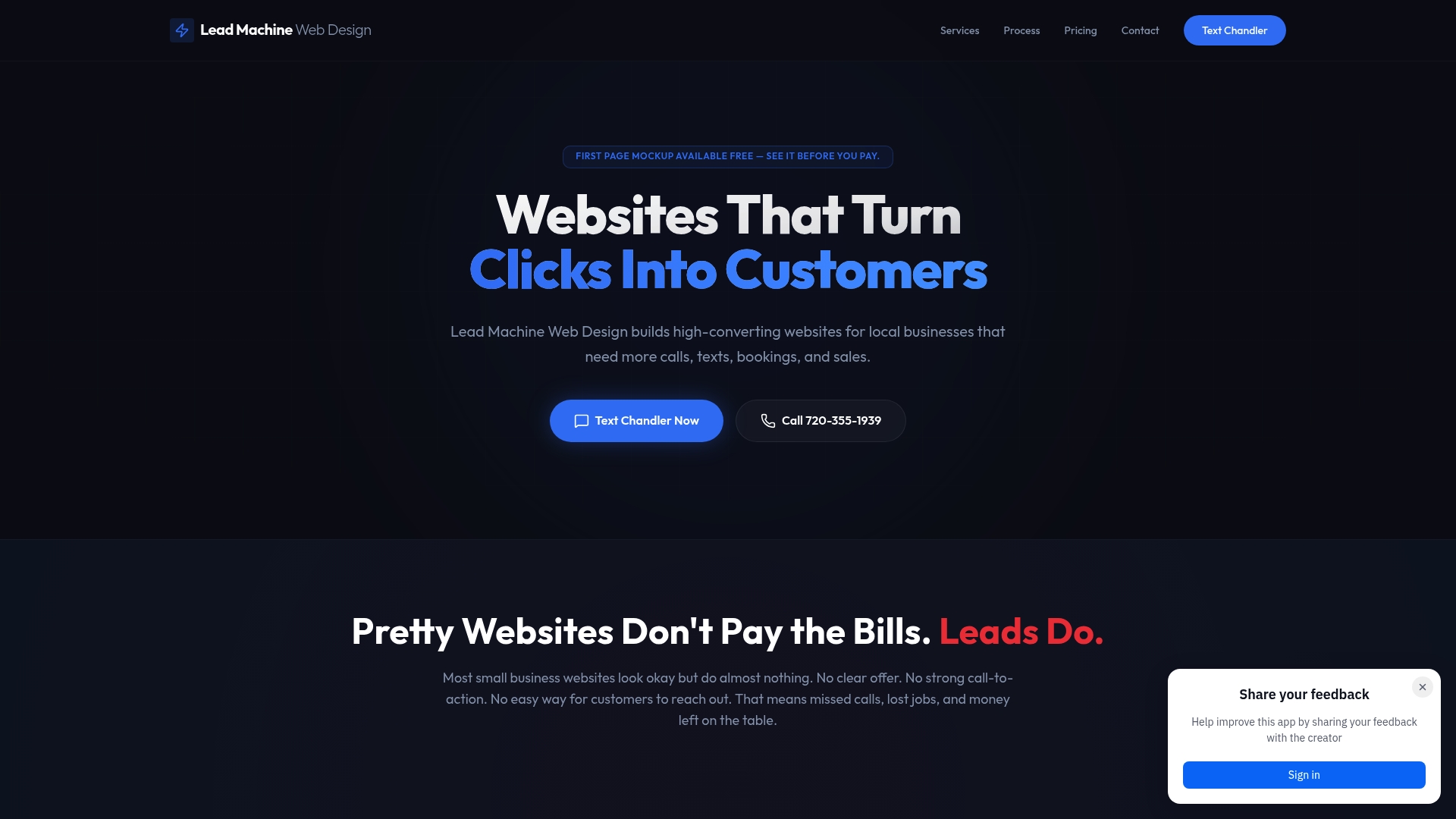
Leadmachinewebdesign works specifically with local service businesses like contractors, cleaners, landscapers, and beauty professionals who need a site that generates real calls and bookings, not just one that looks good. Every project starts with a free mockup so you can see the layout and strategy before committing. If you're ready to build a website that works as hard as you do, reach out for a free consultation today.
FAQ
How many steps are in the website design process?
Most professional web design workflows include five core stages: discovery and goal setting, information architecture, UX/UI design and prototyping, development and quality assurance, and launch with post-launch optimization.
Why does mobile-first design matter for small businesses?
Mobile traffic continues to grow, and most local service searches happen on smartphones. Designing for mobile first prevents a poor phone experience and directly affects how Google ranks your site.
What are Core Web Vitals and do they affect my site?
Core Web Vitals are Google's performance benchmarks measuring load speed, interactivity, and layout stability. Sites that meet the 2026 thresholds (LCP under 2.5 seconds, INP under 200 ms, CLS under 0.1) rank better and convert more visitors.
When should SEO be added to a website project?
SEO should be integrated during the development phase, not after launch. Adding metadata, URL structures, and redirects early costs far less than fixing them after the site is live.
What is a phased website launch?
A phased launch means going live with the core pages and features first, then adding additional functionality in planned sprints. This approach reduces delays and lets your site start generating leads while improvements continue.